

The cleaning and maintenance of laser marking filters are key steps in ensuring long-term stable operation of equipment and maintaining high-precision marking effects. Improper operation may cause damage to the film layer, decrease in transmittance, and even scrap of optical components, so it is necessary to follow the standard procedures.
1、 Preparation before cleaning
Environmental requirements
Operate in a dust-free or low dust environment to avoid secondary pollution. The ideal conditions are a clean workbench or anti-static operating area.
Protective measures
Wear dust-free finger cots or rubber gloves to prevent hand oil and sweat from coming into contact with the surface of the filter.
Tool preparation
Air blower (oil-free) or nitrogen tank: used to remove floating dust
Anhydrous ethanol (analytical grade) or reagent grade isopropanol
Fiber free wiping paper, lens paper, or long fiber cotton swab
Plastic tweezers (metal tweezers are prohibited to prevent scratches)
Prohibit the use of regular tissues, fabrics, or compressed air containing water/oil to prevent residual impurities from damaging the film layer.
2、 Standard cleaning steps
Preliminary dust removal
Use an air blower to gently blow away loose particles on the surface of the filter. Do not blow air with your mouth to prevent saliva or moisture from contaminating the surface.
Gently wipe
Drop a small amount of anhydrous ethanol onto the lens paper (not directly onto the filter)
Hand hold the edge of the filter and slowly wipe it in a single direction (such as from the center outward)
Use new cleaning paper every time you wipe to avoid repeated use that may cause dirt to deposit again
Stubborn stain treatment
If fingerprints or oil stains are difficult to remove, use reagent grade acetone for short-term wiping, but immediately clean the residue with isopropanol and quickly blow dry.
Drying and inspection
After cleaning, dry it with an air blower and visually inspect for any residual stripes or spots under white light.
Correct technique: Apply gentle force, avoid back and forth friction, and prevent micro scratches from interfering with the film layer.
3、 Daily maintenance suggestions
Regular inspection frequency
Based on the level of dust in the work environment, it is recommended to check the status of the filter every 500 hours after operation.
Installation precautions
Only hold the edge of the filter to avoid touching the optical surface
Ensure that the coating surface is facing the incident light direction to improve light transmission efficiency and reduce back reflection
Storage protection
When not in use, it should be placed in a dedicated anti-static storage box to avoid exposure to damp, high temperature, or strong light environments.
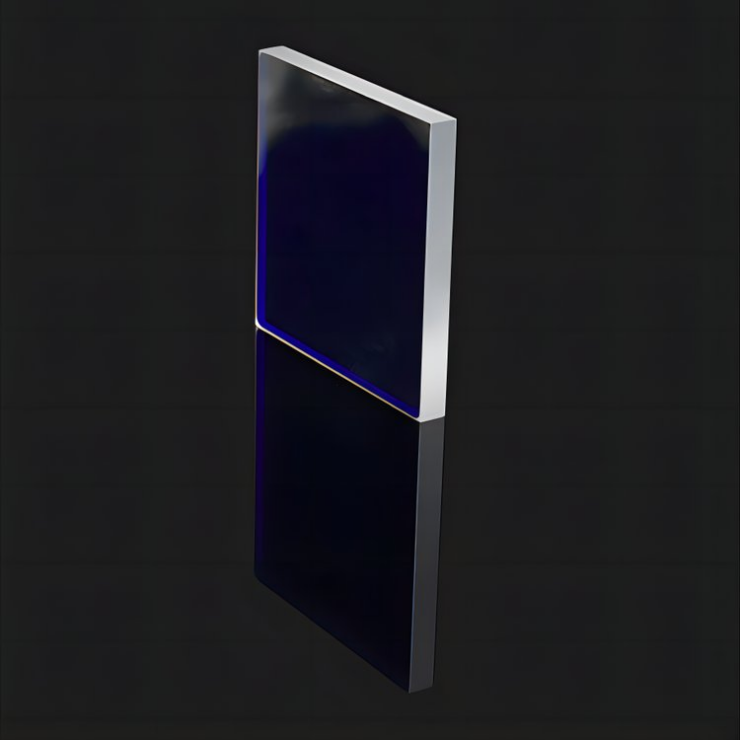
System collaborative maintenance
Keep the internal circulating water of the laser marking machine clean, regularly replace deionized water, and prevent scaling from affecting heat dissipation
Check that the smoke exhaust system is unobstructed and reduce the risk of attachment of optical components by processing splashes
4、 Common Misconceptions and Risk Warning
Using regular alcohol or household cleaning agents: may contain additives that corrode the film layer
Directly touching the optical surface with fingers: even brief contact may leave irreversible fingerprints
Removing the filter while turned on: There is a risk of high voltage electric shock and laser radiation, and it is necessary to disconnect the power for operation
Neglecting signs of aging: If bubbles, cracks, or a significant decrease in light transmittance are found in the film layer, it should be replaced in a timely manner
